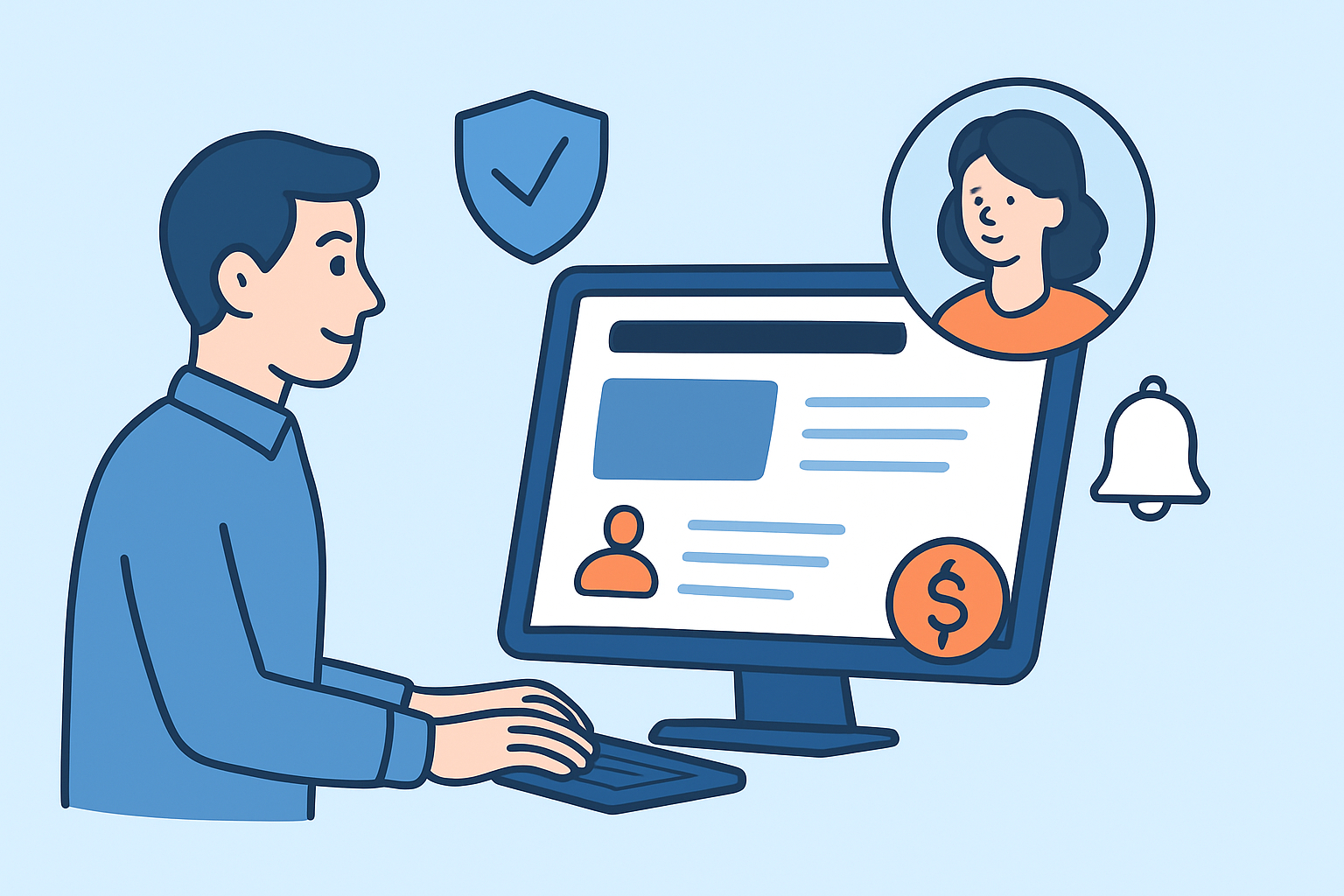
Website monitoring for membership and subscription sites requires a fundamentally different approach than monitoring a simple brochure website. When paying members can’t log in, reset their password, or access content they’ve already paid for, the consequences go beyond a temporary inconvenience – they go straight to cancellations, chargebacks, and support tickets that take hours to clear.
Subscription businesses run on trust and continuity. Unlike a one-time purchase, members expect consistent, uninterrupted access every single day. A single bad experience during login or billing often tips a borderline subscriber toward cancellation. That’s why uptime monitoring for these platforms needs to go several layers deeper than a simple ping to the homepage.
What Makes Subscription Sites Different to Monitor
A standard website has a handful of public-facing pages. A membership platform has authentication layers, gated content areas, recurring payment flows, member dashboards, and often third-party integrations for email, billing, and content delivery – all of which can fail independently.
Any one of these layers going down is invisible to a basic homepage check. A site could return HTTP 200 on the front page while the login endpoint is throwing 500 errors or the payment webhook is silently timing out. Members experience the failure, but your generic uptime alert stays green.
The Pages and Endpoints That Actually Need Monitoring
Not all pages carry equal risk. For membership and subscription platforms, these are the critical points to cover:
Login and authentication pages. This is the entry point for every returning member. If the login page is slow, broken, or returning errors, members are locked out entirely. Monitoring login pages and authentication flows as separate monitors – not just the homepage – gives you a real picture of member access.
Member dashboard or account area. Even when login works, the dashboard might fail to load due to database issues or a broken API call. Monitor a known post-login URL that exercises the session layer.
Payment and billing pages. Subscription renewals, upgrade pages, and checkout flows need their own monitors. A billing page that’s unreachable during a renewal cycle means failed charges and frustrated members who assume they’ve been cut off.
Password reset and email flows. Broken password reset is one of the most undermonitored failure points. Members who can’t reset their credentials often churn silently instead of contacting support.
API endpoints and third-party integrations. Many subscription platforms rely on external services – payment processors, content APIs, membership plugins. Monitoring third-party dependencies separately helps isolate whether an issue is in your stack or upstream.
Setting Up Monitoring for a Membership Site
A practical monitoring setup for a subscription platform should include at minimum:
1. A monitor on the public homepage to catch server-level failures.
2. A monitor on the login page URL (check for HTTP 200 and ideally keyword confirmation that the login form is present).
3. A monitor on a gated content URL or member dashboard (some tools support authenticated checks).
4. A monitor on the billing or checkout page.
5. A monitor on any critical API endpoint your platform calls (payment gateway status, content delivery API).
Check intervals of one minute are worth the investment here. A 5-minute or 10-minute check interval means a login outage can persist for nearly 10 minutes before you even know about it. Members don’t wait that long – they go looking for the cancellation link.
Response Time Is a Retention Signal
Membership sites that load slowly lose subscribers without ever going fully down. A dashboard that takes 6 seconds to load feels broken to someone who paid for premium access. Response time tracking gives you early warning before slowness becomes a hard outage.
Set baseline response time expectations for your critical pages and watch for gradual drift upward. A login page that climbs from 400ms to 1.8 seconds over two weeks is showing you a problem that hasn’t fully surfaced yet – often a database query or session store under load. The relationship between availability and customer retention is direct, and slow pages erode it just as surely as full outages do.
The Myth: If the Homepage Is Up, the Site Is Working
This is the most dangerous assumption in subscription site monitoring. The homepage is usually a static or lightly cached page that loads independently of nearly everything that matters to your members. It will return 200 long after the authentication system has fallen over, the billing API has timed out, or the member dashboard has hit a database connection limit.
Real monitoring for a membership platform means treating each critical flow as a separate monitored asset. The homepage check is the floor, not the ceiling.
SSL Monitoring Is Non-Negotiable
Subscription sites collect payment information and store personal member data. An expired SSL certificate doesn’t just break the site – it immediately triggers browser warnings that read as security threats to users. Most members will not push through a certificate warning to log into a platform that holds their billing details.
Automated SSL monitoring with advance warnings – typically 30 days and 7 days before expiry – gives operations teams enough time to renew without scrambling. This is particularly important for membership platforms using separate SSL certificates for subdomains like member.yourdomain.com or api.yourdomain.com.
Alerting: Who Gets Notified and How Fast
A downtime alert that sits in an inbox for 45 minutes is nearly as bad as no alert at all. For subscription platforms, define clear escalation paths before an incident happens. The person who can act fastest needs to be notified first.
Email alerts remain one of the most reliable delivery mechanisms for critical notifications. They work without app installations, reach people across time zones, and create an automatic log of when alerts were sent – useful during post-incident reviews when you need to establish timelines.
Consider who owns each layer: the login system might fall under a different team than the payment flow or the API integrations. Alerts should reach the right people, not just whoever happens to check the monitoring dashboard.
Frequently Asked Questions
Can I monitor pages that require a login?
Some monitoring tools support authenticated HTTP requests, which lets you monitor pages behind a login wall by passing session cookies or API tokens. At a minimum, monitor the login page itself and any unauthenticated endpoints – such as a public API health check – that indicate whether the authentication backend is responding.
How many monitors does a membership site need?
A basic subscription platform should have at least 4–6 monitors: homepage, login page, member dashboard or account area, billing or checkout page, and any critical API endpoints. Larger platforms with multiple membership tiers, regional subdomains, or complex integrations may need 10–20 or more.
What should I do if monitoring shows the billing page is down?
Treat it as a revenue-critical incident. Immediately check whether the payment gateway itself is experiencing issues – most processors have public status pages – verify your server is responding to requests, and review application logs for errors. If billing can’t be restored quickly, redirect affected traffic to a clear maintenance page with an explanation. Members who see honest messaging are far less likely to cancel than members who encounter a silent failure.
Summary
Membership and subscription sites carry higher monitoring stakes than most other website types. Paying members expect constant, reliable access to everything they’ve signed up for – and any failure in login, billing, or content delivery translates directly into revenue loss and churn. The right approach is to treat every critical flow as a separate monitored asset, track response times alongside availability, and make sure alerts reach the right people fast enough to act. A homepage uptime percentage tells you almost nothing about real member experience. What matters is whether your subscribers can log in, pay, and access what they came for – right now.