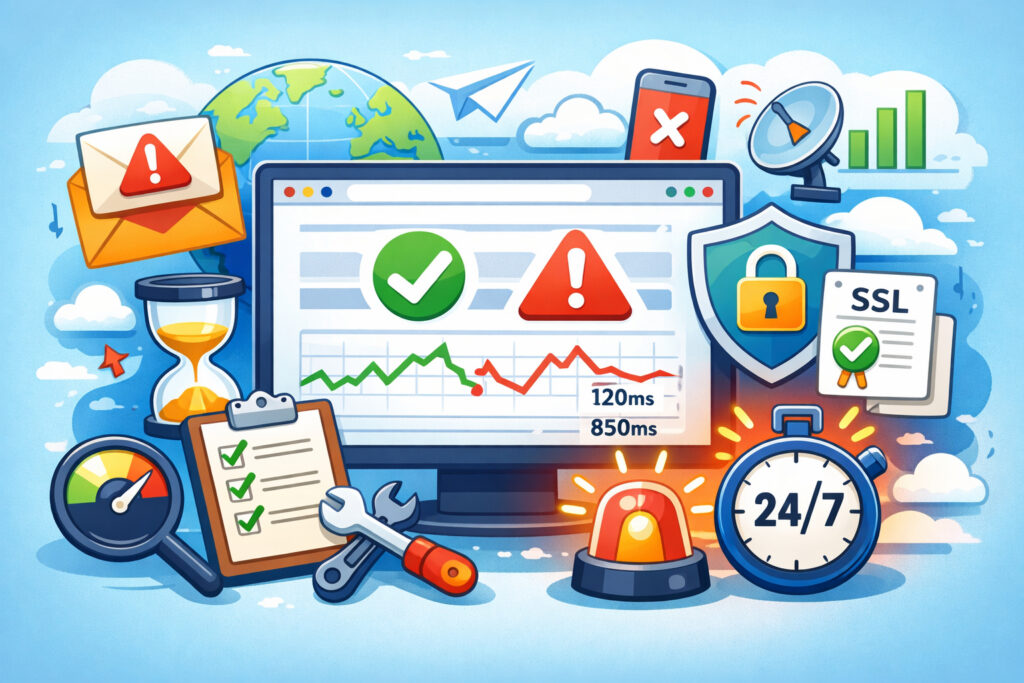
If you’re responsible for keeping a website online, you need a website monitoring checklist — not a vague idea of ”we should probably check things,” but an actual list you can work through. Without one, monitoring gaps hide in plain sight until something breaks at 2 AM and you realize nobody was watching that particular endpoint. This guide gives you a complete, practical checklist for website monitoring that covers everything from basic uptime checks to the details most teams overlook.
I’ve seen teams running six-figure e-commerce operations with monitoring that amounted to ”someone refreshes the homepage once in a while.” That’s not monitoring. That’s hoping.
The Foundation: Uptime and Availability Checks
Start here. If you’re not checking whether your site is actually reachable, nothing else matters.
Your checklist should begin with these basics:
Set up HTTP monitoring on your primary domain, both with and without www. Check that HTTPS is enforced and redirects work correctly. Monitor your most critical pages individually — homepage, login, checkout, API endpoints. Don’t assume that because the homepage loads, everything else does too. A broken database connection can leave your homepage cached and fine while your checkout is completely dead.
Choose a monitoring interval that matches your risk tolerance. One-minute checks are the standard for anything business-critical. Five-minute intervals might seem close enough, but that’s potentially five minutes of lost transactions before you even know there’s a problem.
Response Time and Performance Monitoring
Uptime is binary — your site is either up or it’s not. But a site that takes 11 seconds to load might as well be down. Your checklist needs performance thresholds, not just availability.
Set baseline response times for your key pages. Track them over time. A page that normally loads in 400ms and starts creeping toward 1.2 seconds is telling you something is wrong before it actually fails. This is where you catch problems early — a slowly filling disk, a leaking memory pool, or a third-party script dragging everything down.
Define what ”too slow” means for your business and set alerts accordingly. For most sites, server response times above 600ms deserve investigation. Above one second, you’re actively losing visitors.
SSL Certificate Monitoring
Here’s a myth that refuses to die: ”My hosting provider handles SSL renewals automatically, so I don’t need to monitor certificates.” Automatic renewal fails more often than people think. A misconfigured DNS record, an expired email on the domain contact, a provider migration that nobody updated — any of these can silently break auto-renewal.
Add SSL certificate expiration monitoring to your checklist. You want to know at least 30 days before a certificate expires, not when browsers start showing security warnings to your customers. An expired SSL certificate can silently kill your traffic because many visitors will simply leave rather than click through a browser warning.
DNS and Domain Monitoring
DNS issues are deceptive. Everything looks fine from your office because your local DNS cache still has the old records, meanwhile half the internet can’t reach you. Your checklist should include verifying that DNS records resolve correctly and that your domain registration isn’t approaching expiration.
Monitor your nameservers, A records, MX records, and any CNAMEs critical to your service. If you’re using a CDN, verify that the CDN’s DNS configuration is intact. A single typo in a CNAME after a routine change can take your site offline in specific regions while it works perfectly in others.
Alert Configuration Checklist
Monitoring without proper alerts is just data collection. Your alert setup needs as much attention as the monitors themselves.
Configure alerts to reach the right person at the right time. Set up escalation paths — if the first responder doesn’t acknowledge an alert within 10 minutes, it goes to the next person. Use multiple notification channels: email as a baseline, but add SMS or a messaging integration for critical issues. Avoid alert fatigue by tuning your thresholds. A check that flaps between up and down every few minutes will train your team to ignore alerts entirely. Most monitoring services, including UptimeVigil, let you require multiple consecutive failures before triggering a notification — use that feature.
Make sure you actually set up smart alerts that filter noise from genuine incidents.
The Often-Forgotten Items
This is where most checklists fall short. The basics are easy. These are the items that separate solid monitoring from ”we thought we were covered”:
Monitor third-party dependencies. If your site relies on a payment gateway, a CRM API, or an external authentication service, monitor those endpoints too. Your site can be perfectly healthy and still unusable because Stripe or your shipping API is down.
Check from multiple locations. A site can be unreachable from Asia while working perfectly from Europe. If your audience is global, your monitoring should be too.
Monitor your monitoring. Seriously. If your monitoring service’s notification email gets caught in a spam filter, or your alert webhook endpoint is down, you’re blind. Send a test alert monthly to verify the entire chain works.
Document your runbooks. A checklist that says ”monitor the checkout” is incomplete without a corresponding note on what to do when the checkout goes down. Even a brief three-line procedure saves critical minutes during an incident.
Review Schedule
A monitoring checklist isn’t something you set up once. Build in a quarterly review:
Have you added new pages, services, or APIs since the last review? Are your alert contacts still current — has anyone left the team? Do your response time baselines still reflect normal performance, or has your traffic grown? Are there monitoring metrics you should be tracking that you currently aren’t?
Monitoring drift is real. Infrastructure changes, team changes, and traffic patterns shift over time. A checklist that was comprehensive six months ago can have blind spots today.
Frequently Asked Questions
How many monitors do I need for a typical business website?
At minimum, monitor your homepage, your most important conversion page (checkout, signup, contact form), your API if you have one, and your SSL certificate. That’s four monitors as a baseline. Most serious setups run between 5 and 15 monitors depending on the site’s complexity. More pages and services mean more monitors.
Can I rely on free monitoring tools for my checklist?
Free tools cover the basics — simple up/down checks at longer intervals. But they usually lack multi-location monitoring, fast check intervals, and reliable alerting. For anything generating revenue, the cost of a proper monitoring service is insignificant compared to the cost of undetected downtime.
What’s the single most important item on the monitoring checklist?
Alerting that actually reaches you. The best monitoring setup in the world is useless if the notification sits unread in a spam folder. Verify your alert chain works end to end, then verify it again next month.
A complete website monitoring checklist isn’t complicated, but it does require intention. Print it, pin it to your wall, and revisit it every quarter. The sites that stay up aren’t the ones with the fanciest infrastructure — they’re the ones where someone actually bothered to check all the boxes.