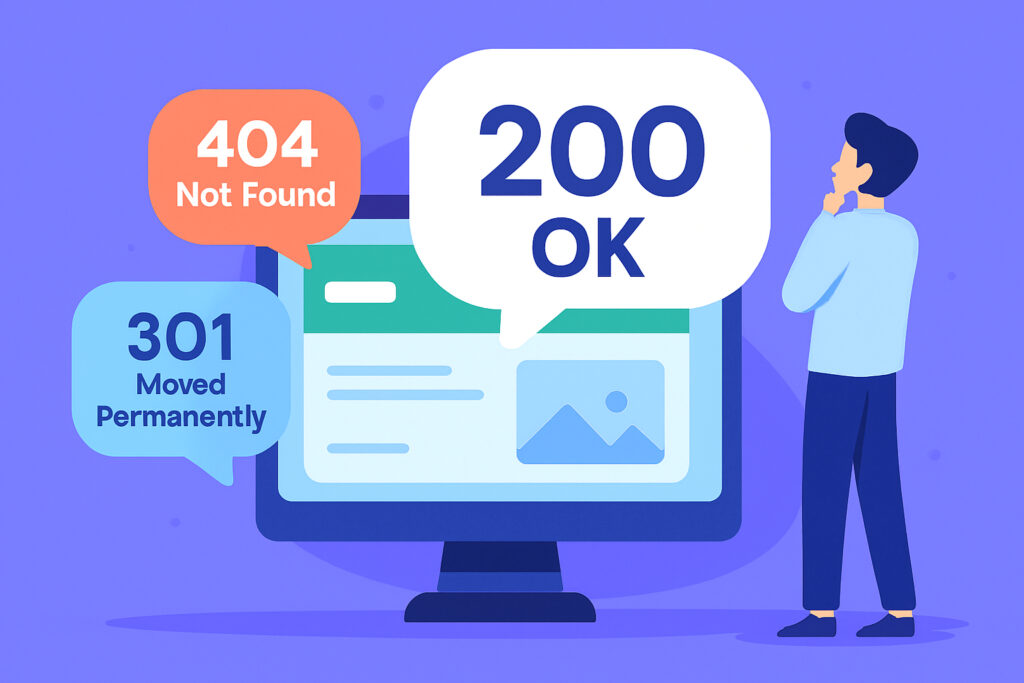
If you’ve ever wondered why your website suddenly shows an error page or why certain links don’t work, HTTP status codes are probably the culprit. This complete guide to HTTP status codes explains what these three-digit numbers mean and how they directly affect your site’s user experience, SEO rankings, and ultimately your bottom line.
Think of HTTP status codes as your website’s health indicators. When someone visits your site, the server sends back one of these codes with every request. Most of the time, everything works smoothly and you never see them. But when something goes wrong, knowing what these codes mean can save you hours of troubleshooting and prevent lost visitors.
Why HTTP Status Codes Matter for Your Business
I learned this lesson the hard way a few years back when a client’s e-commerce site started losing sales. After digging into the logs, I discovered that their checkout page was returning 500 errors intermittently. Customers were abandoning their carts not because they changed their minds, but because the server was failing. That’s when I realized that monitoring these codes isn’t optional — it’s essential.
Search engines like Google also pay close attention to status codes. If your pages consistently return errors, your rankings will drop. Conversely, properly configured redirects and error handling can actually improve your SEO performance.
The Five Categories of HTTP Status Codes
HTTP status codes are organized into five categories, each starting with a different number. This makes them easier to understand once you know the pattern.
1xx codes are informational and rarely seen by website owners. They basically mean “hold on, I’m working on it.” You can mostly ignore these.
2xx codes mean success. The most common is 200, which means everything worked perfectly. When you see this, celebrate — your page loaded correctly.
3xx codes are redirects. These tell the browser to look somewhere else for the content. They’re incredibly useful when you’ve moved pages or restructured your site.
4xx codes indicate client errors — usually meaning the visitor requested something that doesn’t exist or they don’t have permission to access.
5xx codes are server errors, meaning something went wrong on your end. These are the ones that should wake you up at night because they represent lost opportunities.
The Critical Status Codes Every Website Owner Must Understand
200 OK is what you want to see. Everything loaded perfectly, and the user got exactly what they requested. This is your baseline for success.
301 Moved Permanently is your friend when redesigning a site. It tells search engines that a page has permanently moved to a new location and to transfer all the SEO value to the new URL. I use these constantly when clients restructure their websites — they’re essential for maintaining search rankings.
302 Found is a temporary redirect. Use this when you’re running a promotion or temporarily moving content. Unlike 301, it doesn’t transfer SEO value, which is exactly what you want in temporary situations.
403 Forbidden means the server understood the request but refuses to authorize it. This usually indicates a permissions issue. I’ve seen this pop up after server migrations where file permissions got reset. It’s a common cause of downtime that’s easy to prevent once you know the pattern.
404 Not Found is probably the most famous error code. It means the requested page doesn’t exist. While one or two 404s won’t hurt you, hundreds of them signal a poorly maintained website. I once audited a site with over 3,000 404 errors — fixing them improved their traffic by 23% within two months.
500 Internal Server Error is the vague “something went wrong” message. It could be a coding error, database issue, or server misconfiguration. These need immediate attention because they’re completely blocking access to your content.
502 Bad Gateway means a server acting as a gateway or proxy received an invalid response from the upstream server. If you’re running WordPress behind a reverse proxy like Nginx, you’ll encounter this when PHP-FPM crashes or runs out of workers. It looks scary but usually has a straightforward fix.
503 Service Unavailable means your server is temporarily unable to handle requests, often due to overload or maintenance. If you’re doing planned maintenance, this is the correct code to return, and you can include a “Retry-After” header to tell browsers when to check back.
The Myth About 404 Errors Killing Your SEO
Here’s a misconception that needs busting: many website owners panic over every single 404 error, believing each one tanks their rankings. Google has stated repeatedly that 404s for pages that should return 404 are perfectly normal and don’t hurt your site’s overall SEO health. The problem starts when pages that should exist return 404, or when you have thousands of broken internal links pointing to dead pages. That’s a crawl budget issue, not a 404 issue.
Practical Applications and Common Scenarios
When you delete old blog posts, set up 301 redirects to related content instead of leaving visitors with 404 errors. This keeps both users and search engines happy while maintaining link value.
If you’re running an online store and a product goes out of stock permanently, return a 410 Gone status instead of 404. This tells search engines not to waste time checking back for that page.
For maintenance windows, configure your server to return 503 with a proper Retry-After header. This is much better than letting users see random errors or broken pages.
How to Monitor HTTP Status Codes Proactively
The best approach is proactive monitoring rather than reactive fixing. Set up automated checks that regularly test your critical pages and alert you when they return unexpected status codes. With a tool like UptimeVigil, you can start monitoring in minutes and get instant alerts when a page returns anything other than a 200.
Check your server logs regularly for patterns. If you see clusters of 500 errors at specific times, you might have a resource issue during peak traffic. Lots of 404s for similar URLs might indicate broken internal links that need fixing.
Understanding the difference between ping, HTTP, and port monitoring also helps you pick the right monitoring type. HTTP monitoring is specifically designed to catch status code issues because it mimics a real browser request and evaluates the response code.
Use Google Search Console to identify which errors Google is encountering on your site. They literally show you the problems affecting your search performance.
Common Questions About HTTP Status Codes
Should I worry about every 404 error?
No. Some 404s are normal — people mistype URLs or follow outdated links from external sites. Focus on fixing internal broken links and redirecting deleted content that used to get traffic.
Can I use 302 redirects instead of 301 for everything?
You could, but you shouldn’t. Search engines won’t transfer ranking signals through 302 redirects because they’re meant to be temporary. Use 301 for permanent moves and save 302 for genuinely temporary situations.
What’s the difference between 500 and 503 errors?
A 500 usually means something is broken in your code or configuration. A 503 means your server is overloaded or in maintenance mode. The 503 tells browsers to try again later, while 500 suggests a more fundamental problem that needs fixing before the page will work again.
Understanding HTTP status codes transforms you from a passive website owner into someone who can quickly diagnose and fix issues. You don’t need to memorize every code, but knowing the critical ones — especially 200, 301, 404, 500, and 503 — puts you ahead of most website owners. The key is setting up proper monitoring so you catch problems early, before they impact your visitors and your business.