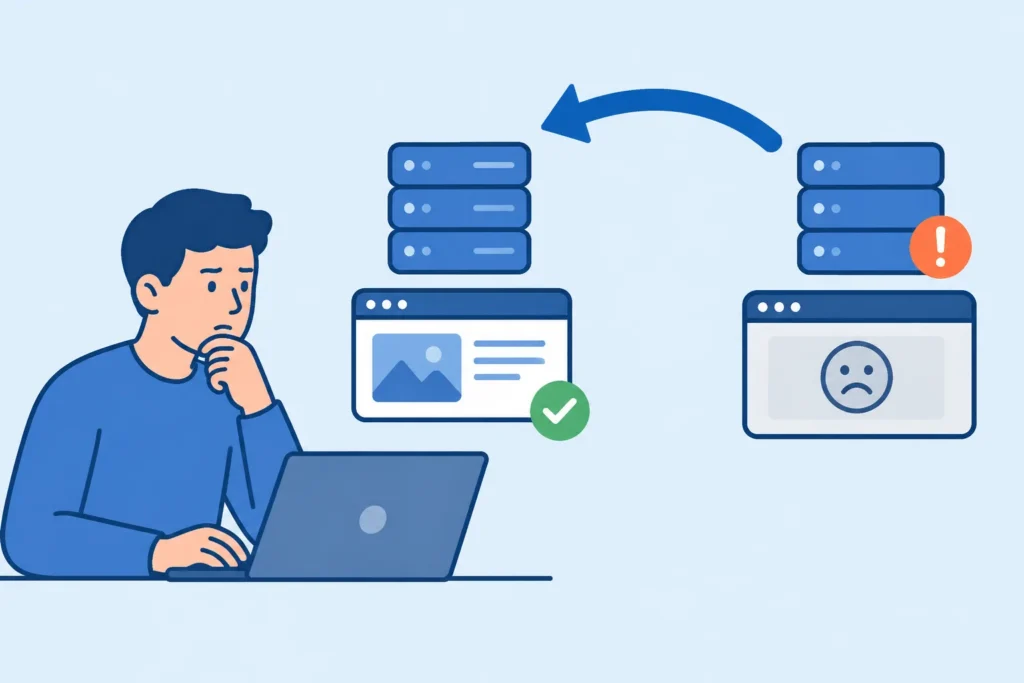
A bad deployment that takes your site down puts the on-call engineer in a tight spot: customers are hitting errors, Slack is filling up, and the change that caused it went out minutes ago. Knowing how to roll back a bad deployment quickly and safely is what separates a 6-minute blip from a 2-hour outage. This article covers how to confirm the deployment is really the cause, the rollback methods for common platforms, the database trap that catches experienced teams, and how to stop the same failure from shipping again.
The immediate benefit is simple. A practiced rollback turns a stressful guessing game into a short, repeatable procedure.
Recognizing That the Deploy Is the Culprit
Here is a common scenario. A team ships a release at 16:40 on a Thursday. By 16:43 the uptime check starts returning 502 Bad Gateway, and the downtime alert fires after two consecutive failed checks. The engineer who merged the change is already logging off.
The first question is not “how do we fix this?” It is “did our change cause this?” An experienced SRE first checks the timeline: when did the deploy finish, and when did the first failed uptime check land? If the gap is under 5 minutes and nothing else changed (no DNS edits, no certificate renewals, no hosting provider incident on their status page), the deployment is the prime suspect.
That timing correlation only works if your monitoring catches the failure fast. Checks every 5 minutes can blur the line between “deploy finished” and “site broke”. Checks every minute make it obvious. This is why time to detection has such a large effect on total outage duration. You cannot roll back what you haven’t noticed.
Rollback First, Debug Later
The strongest instinct during an incident is to find the bug. Resist it. When production is down and a recent deploy is the likely cause, the default move is to restore the last known good version, then investigate in a calm environment.
A seasoned lead sets a hard rule: if a forward fix can’t be identified and shipped within 10-15 minutes, roll back. “It’s just a one-line fix” has extended more outages than almost any other phrase in operations. The one-line fix still has to pass CI, build, and deploy, and that process often takes longer than the rollback itself.
The triage steps from the first 15 minutes of a website outage apply here. Declare the incident, assign one person to drive, and keep everyone else from pushing changes in parallel.
How to Roll Back a Bad Deployment on Common Platforms
The exact command depends on how you deploy. Most modern platforms keep previous releases around specifically so you can revert in seconds.
On Kubernetes, kubectl rollout undo deployment/web reverts to the previous ReplicaSet, and kubectl rollout history shows which revision you’re returning to. If you deploy with Helm, helm rollback release-name 0 returns to the previous release (or name a specific revision number). On Vercel and Netlify, rollback is a dashboard action: pick the previous production deployment and promote it. These usually take effect in under a minute because the old build artifact is still cached.
Capistrano-style and similar symlink deployments keep the last 5 releases on disk by default, so cap production deploy:rollback just repoints the current symlink. AWS CodeDeploy and Elastic Beanstalk let you redeploy a previous application version. If you use feature flags in LaunchDarkly, Unleash, or a homegrown system, turning the flag off is often faster and less risky than any code rollback.
A general sequence that works across platforms:
1. Freeze further deploys and tell the team in the incident channel.
2. Identify the last known good release by tag, commit SHA, or revision number.
3. Run the rollback and watch it complete – don’t assume it worked.
4. Purge CDN caches if the bad release served broken HTML or assets.
5. Confirm recovery through external uptime checks, not just your own browser.
Step 5 matters more than it looks. Your laptop may be hitting a warm cache or a healthy pod. An external HTTP monitoring check returning 200 with acceptable response time from outside your network is the real signal that site availability is restored.
The Myth That Rollback Always Undoes the Damage
A common misconception is that rolling back code returns everything to how it was. It doesn’t. Code is easy to revert. Data and state are not.
If the bad release ran a database migration that dropped a column, renamed a table, or rewrote records, the previous code version may crash against the new schema. Now the rollback causes a second outage. Rails, Django, Flyway, and Liquibase all support down migrations in theory, but a down migration can’t recover data that an up migration deleted.
The fix is structural: the expand-and-contract pattern. Add new columns first, deploy code that writes to both old and new, migrate data, and only drop the old column in a later release, once rollback to the old code is no longer needed. Teams that follow this can roll back the application at any point without touching the database.
Other state that survives a rollback includes messages already queued in RabbitMQ or SQS by the new code, service workers cached in user browsers, CDN-cached pages with long TTLs, and mobile apps already calling a new API contract. Each one needs its own cleanup plan.
Common Mistakes During Rollbacks
The first mistake is rolling back to the wrong version. Under pressure, engineers grab “the previous commit” when the actual last good release was three deploys earlier, because two intermediate releases were never promoted to production. Always roll back to a tagged, verified production release.
The second is trusting the deploy tool’s success message. Kubernetes reporting “rolled back” means the controller accepted the request, not that pods are healthy. Pods can sit in CrashLoopBackOff while the dashboard looks fine. Watch the health checks and the external uptime check until they’re green.
The third is closing the incident the moment the site loads. Keep monitoring for 15-30 minutes after recovery. Memory leaks, connection pool exhaustion, and cache stampedes after a purge often show up as a second failure 10 minutes later.
Edge Cases Worth Planning For
In regulated environments (SOX-controlled financial systems, healthcare under HIPAA, or organizations following ITIL change management) a rollback is itself a change. Define an emergency change process in advance so the on-call engineer isn’t waiting for a CAB approval while the site is down.
Teams under 10 people often lack a dedicated on-call rotation. Write the rollback command for each service in a runbook that anyone can follow, including the person who didn’t write the code. For on-prem or air-gapped deployments, make sure previous build artifacts are actually stored locally, not pulled from a registry you can’t reach.
FAQ
Should I roll back or fix forward?
Roll back by default when production is down. Fix forward only when the fix is trivial and already tested, or when a rollback is impossible because of an irreversible database change.
How long should a rollback take?
For container platforms and managed hosts like Vercel, 1-3 minutes is realistic. If yours takes longer than 10 minutes, invest in keeping previous artifacts ready to redeploy.
How do I know the rollback actually fixed the site?
Confirm that external uptime checks return a healthy status code, response times are back to baseline, and error rates in your logs have dropped. All three should agree before you call it resolved.
Making the Next Rollback Boring
The best rollback is one nobody remembers. Practice it on a normal weekday, time it, and write down the exact commands. After every incident, run a post-mortem that asks why the bad release reached production and why detection took as long as it did. Then fix the pipeline, not just the bug.