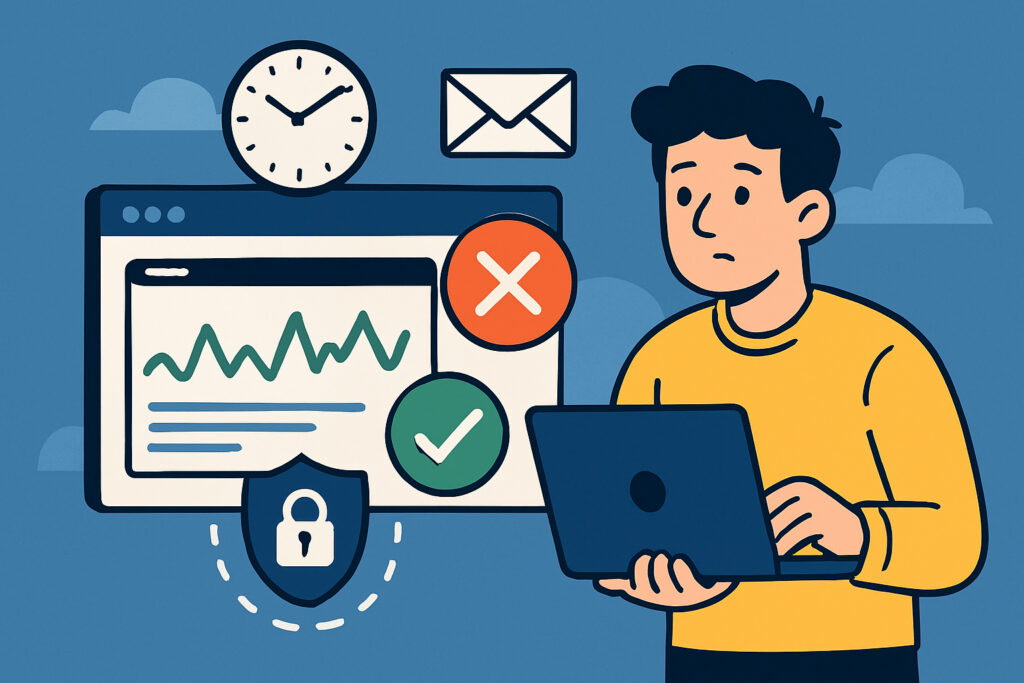
Here’s a scenario most website owners have lived through at least once: you wake up, grab your coffee, open your laptop, and discover your site has been down for six hours. Customers have been bouncing. Sales lost. And you had no idea because you were sleeping, or busy, or just assumed everything was fine.
The short answer to the question in the title is simple — you should be checking far more often than you probably are. But let me break this down properly, because the right frequency depends on what kind of site you run, what’s at stake, and how you go about monitoring in the first place.
Why Manual Checking Isn’t Enough
Let’s get the obvious out of the way. If your current ”monitoring strategy” is opening your site in a browser a couple of times a day, you’re flying blind. I used to do exactly this years ago with a small client project. I’d check the site in the morning, maybe again after lunch. One Friday afternoon the server went down around 3 PM. I didn’t notice until Monday. That’s roughly 60 hours of downtime, and the client found out before I did — from their own customers complaining on social media.
The problem with manual checks is that they only tell you the site is up at that exact moment. Your site could go down five minutes after you check and stay down for hours before you look again. It’s a bit like checking whether your front door is locked once a day and hoping nobody tries the handle in between.
The Real Answer: Every One to Five Minutes
For any site that matters to your business or your users, automated monitoring at one-minute intervals is the gold standard. Every five minutes is acceptable for smaller or less critical sites. Anything less frequent than that starts to become risky.
Why one minute? Because every minute of downtime costs something. For an e-commerce store, it’s direct revenue. For a service business, it’s trust. For a blog that relies on ad revenue, it’s traffic and impressions you’ll never get back. The faster you know about a problem, the faster you can fix it — or at least communicate with your users about what’s happening.
A one-minute check interval means that in the worst case, you find out about downtime within 60 seconds. Compare that to checking manually twice a day, where the worst case is twelve hours of ignorance.
Different Sites, Different Needs
Not every website carries the same risk profile. Here’s a practical way to think about it:
E-commerce and SaaS platforms — these need one-minute monitoring, no exceptions. Downtime directly translates to lost money and lost customers. If someone tries to buy something and your checkout page is dead, they’re going to a competitor.
Business websites and portfolios — a five-minute interval works fine here. These sites matter for credibility, but a few minutes of undetected downtime won’t usually cause immediate financial damage.
Personal blogs and hobby projects — you could get away with checks every 15 or 30 minutes, though honestly, once you’ve experienced proper monitoring, you won’t want to go back to anything less than five minutes.
What You Should Actually Be Monitoring
Checking whether your site is ”up” is just the starting point. A truly useful monitoring routine looks at several things.
HTTP response codes tell you if your server is actually serving pages correctly. Your site might technically respond but return a 500 error to every visitor. That’s not ”up” in any meaningful sense.
Response time matters more than most people realize. A site that takes eight seconds to load might as well be down for a large percentage of visitors. Monitoring response times helps you catch performance degradation before it becomes a full-blown outage.
SSL certificate expiration is one of those things that catches people off guard. I’ve seen it happen to well-run businesses — the certificate expires, browsers start showing security warnings, and traffic drops off a cliff overnight. Keeping an eye on certificate status saves you from that particular headache.
A Common Myth: ”My Hosting Provider Monitors For Me”
I hear this one a lot. And while many hosting companies do have internal monitoring, their priorities are not the same as yours. They’re watching server hardware and network infrastructure. They might not notice that your specific WordPress installation has crashed due to a plugin conflict, or that a database connection is timing out. Their monitoring protects their infrastructure. Your monitoring protects your business.
Setting Up a Practical Monitoring Routine
The good news is that getting proper monitoring in place takes about two minutes. Services like UptimeVigil let you add your URL, set your check interval, and configure email alerts without any technical setup. Once it’s running, the service pings your site every minute around the clock and sends you an alert the moment something goes wrong.
Here’s what a sensible setup looks like in practice. Add your primary domain with one-minute checks. Set up alerts to go to your email and, if possible, to a second person on your team as a backup. Enable SSL monitoring so you never get surprised by an expiring certificate. Review your response time data weekly to spot trends before they become problems.
Frequently Asked Questions
Will frequent monitoring slow down my website? No. A monitoring service sends a single lightweight request, similar to one visitor loading a page. Your server handles thousands of those without breaking a sweat.
Do I need monitoring if my site gets low traffic? Yes. Low traffic actually makes downtime harder to detect because fewer people will report problems. Monitoring is your safety net regardless of traffic volume.
What should I do when I get a downtime alert? First, verify the issue by checking your site yourself. Then check your server status, error logs, and recent changes. Most outages are caused by server resource limits, failed updates, or expired services. If you can’t resolve it quickly, put up a maintenance notice and contact your hosting provider.
Is one-minute monitoring overkill for a small business? Not really. The cost is minimal or even free during beta periods with services like UptimeVigil, and the peace of mind is worth it. You’re not just monitoring uptime — you’re protecting your reputation.
The Bottom Line
Don’t wait for a customer to tell you your site is down. Don’t rely on checking manually between meetings. Set up automated monitoring at one-minute intervals and let it run quietly in the background. It’s one of those small investments of time that pays for itself the very first time it catches a problem you would have otherwise missed.
Your website works for you around the clock. Make sure something is watching it around the clock too.