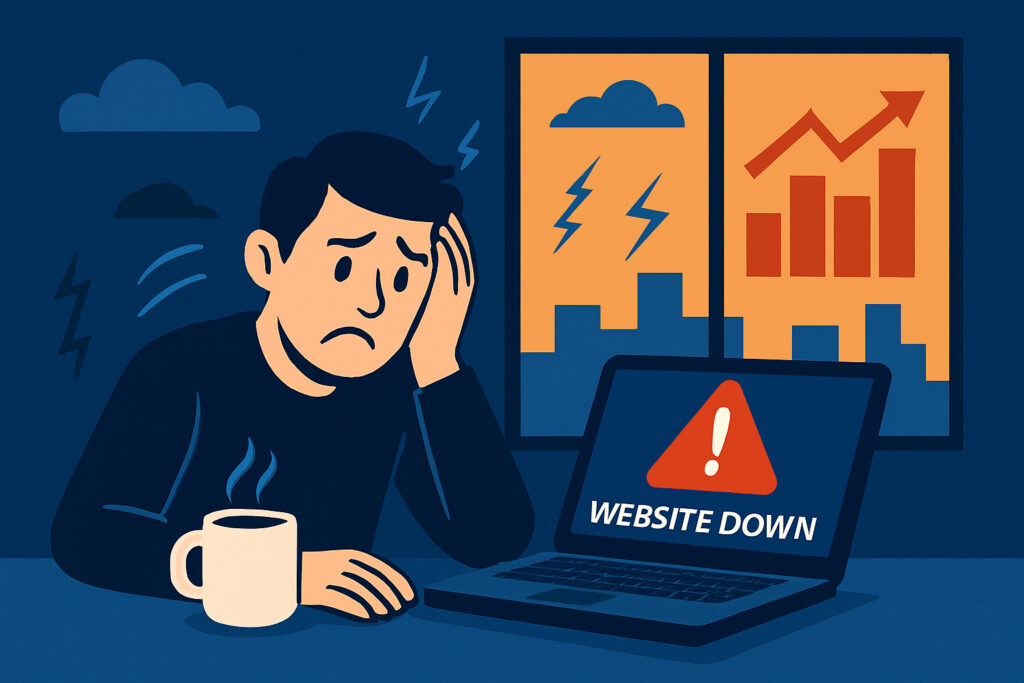
Imagine this. It’s Black Friday morning and your online store just went live with the biggest promotion of the year. Ads are running, the email blast went out an hour ago, and traffic is climbing fast. Then, at 10:47 AM, your site goes dark. Your phone starts buzzing with customer complaints. Your support inbox fills up. And you’re sitting there refreshing your own homepage, hoping it comes back on its own.
This happens to businesses every single day. The ones who suffer most are those who had no idea their site was down until a customer told them.
Why Peak Hour Downtime Is Worse Than You Think
There’s a massive difference between your site going offline at 3 AM on a Tuesday and crashing during your busiest window. During off-hours, maybe a handful of people notice. During peak hours, the damage multiplies fast.
If your peak hours drive 60-70% of your daily revenue — which is common for e-commerce and SaaS platforms — a single hour of downtime during that window can wipe out most of your daily income. And customers who hit a dead page don’t bookmark it and come back later. They go to your competitor.
A Scenario That Keeps Repeating
I once worked with a small e-commerce business that ran a seasonal campaign every December. They spent weeks preparing, launched on a Monday morning, shared it across all channels, and by noon the site was completely unresponsive.
The culprit? Their shared hosting couldn’t handle the traffic spike. Server ran out of memory, PHP processes piled up, everything collapsed. They didn’t find out until a friend texted asking why the site wasn’t loading. By the time their hosting provider resolved it, three hours had passed — three hours during the most important window of their entire year.
The fix was straightforward: a better hosting plan and a monitoring tool that would have alerted them within a minute. Instead, they lost roughly half their expected first-day revenue.
The Hidden Costs Nobody Talks About
Revenue loss is the obvious one. But peak-hour downtime creates a chain reaction.
SEO damage hits when Google’s crawler encounters 500 errors during an outage. Repeated incidents can hurt your rankings because Google wants to send users to reliable sites.
Customer trust erosion is harder to measure but arguably more costly. A first-time visitor who encounters a dead site will almost certainly never return.
Team productivity loss adds up too. When the site goes down, everyone drops what they’re doing. One hour of downtime easily costs four or five hours of team productivity once you factor in the disruption and post-incident review.
Common Causes of Peak Hour Crashes
Traffic spikes exceeding server capacity — especially common on shared hosting where your resources are limited. Poorly optimized database queries that perform fine under light load but choke when hundreds of users hit them simultaneously. Expired SSL certificates that block browser access entirely. And third-party service failures — if your payment gateway or CDN goes down, your site effectively goes down too.
How to Protect Yourself
Monitor continuously. You need a service that checks your site every minute and alerts you immediately. The difference between finding out in one minute versus thirty can be thousands of dollars during peak hours. This is exactly what UptimeVigil is built for — it monitors around the clock, tracks response times, watches SSL certificate status, and sends instant alerts. It takes two minutes to set up with zero technical configuration, and it’s currently free for beta users.
Know your peak hours. Check your analytics and identify your highest-traffic windows. Plan maintenance around them and ensure extra vigilance during those periods.
Load test before campaigns. If you’re planning a promotion, simulate expected traffic beforehand with tools like k6 or Apache JMeter. Find your server’s breaking point before real customers do.
Optimize your stack. Enable caching at every level, keep PHP current, index your database properly, compress images. These basics can double the traffic your server handles comfortably.
Have a response plan. Document exactly who to contact and what to do. Check server status, review error logs, restart services, call hosting provider. When your site is down during peak hours, you don’t have time to figure out the process from scratch.
Myths Worth Busting
“My hosting provider guarantees 99.9% uptime.” That 0.1% still equals about 8.7 hours per year, and there’s no guarantee those hours won’t fall on your busiest day.
“Small sites don’t need monitoring.” If your site generates any revenue or serves as your business’s public face, you need monitoring. Period.
“I’ll notice if my site goes down.” No, you probably won’t. Not during a meeting, not during lunch. By the time a customer tells you, it’s already been down for a while.
The Bottom Line
Peak-hour downtime is a direct hit to your revenue, reputation, and customer relationships. The good news is that preventing it is well within reach for any business.
Start with monitoring — know the moment something goes wrong. Then build from there: better hosting, optimized code, caching, load testing, and a clear incident response plan. The businesses that take downtime seriously are the ones that keep their customers while competitors are still refreshing their homepage, hoping it comes back.