If you run a website or manage any kind of online service, you’ve probably heard terms like “ping monitoring,” “HTTP checks,” and “port monitoring” thrown around. But what do they actually mean, and more importantly, which one should you be using? The truth is, each monitoring method serves a different purpose, and understanding the differences can save you from unexpected downtime and frustrated users.
Let me break this down in a way that actually makes sense for real-world use.
What Is Ping Monitoring?
Ping monitoring is the most basic form of server monitoring. It simply checks whether your server is “alive” and responding to network requests. When you ping a server, you’re sending a small packet of data (called an ICMP packet) and waiting to see if it comes back. If it does, your server is online. If it doesn’t, something’s wrong.
Think of it like knocking on someone’s door. If they answer, you know they’re home. But that doesn’t tell you if they’re actually able to help you with what you need.
I learned this the hard way a few years back when I was monitoring one of my first web projects. The ping checks showed everything was fine – the server was responding beautifully. But users were complaining they couldn’t access the website. Turns out the web server software had crashed, even though the server itself was still running. The ping monitoring was essentially useless for catching the actual problem.
Why Ping Monitoring Isn’t Enough
Here’s the thing about ping monitoring: it only tells you if the server’s network interface is responding. It doesn’t check if your website is actually working. Your web server could be down, your database could be crashed, or your application could be throwing errors – and ping monitoring would still show everything as green.
That said, ping monitoring does have its place. It’s useful for checking basic network connectivity and can help you identify network-level issues quickly. It’s also extremely lightweight and fast, which is why many monitoring services use it as a first line of defense.
HTTP Monitoring: Checking What Actually Matters
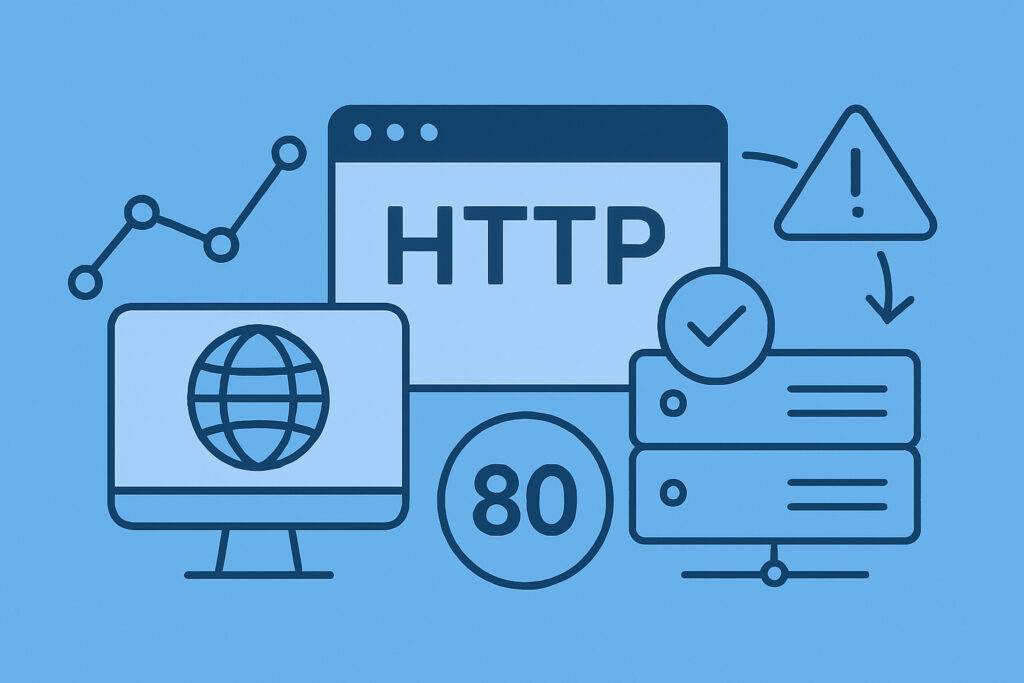
This is where HTTP monitoring comes in, and honestly, this is what most website owners should be focusing on. HTTP monitoring doesn’t just check if your server is alive – it actually makes a real web request to your site, just like a visitor would, and checks if it gets the right response back.
When you set up HTTP monitoring, the monitoring service requests your webpage and checks for a few key things:
Response code: Is it returning a 200 OK status, or is it throwing errors like 404 (page not found) or 500 (server error)?
Response time: How long does it take for your page to load? If it’s taking 10 seconds, something’s wrong even if the page technically loads.
Content verification: Some advanced HTTP checks can even verify that specific text or elements appear on the page, ensuring your site isn’t just online but actually displaying correctly.
This type of monitoring catches the real issues that affect your users. If your database goes down, if your SSL certificate expires, or if your application throws an error, HTTP monitoring will catch it because it’s actually trying to load your website.
Port Monitoring: The Technical Deep Dive
Port monitoring is more specialized but incredibly useful if you’re running services beyond just a basic website. Every service on your server listens on a specific port – your web server typically uses port 80 (HTTP) or 443 (HTTPS), your email server might use port 25 (SMTP) or 587, your database might use port 3306 (MySQL) or 5432 (PostgreSQL).
Port monitoring checks whether these specific services are accepting connections on their designated ports. This is particularly valuable when you’re running multiple services or need to monitor infrastructure components that don’t have a web interface.
For example, if you’re running an email server alongside your website, you’d want to monitor both port 443 (to check if your website is accessible) and port 25 or 587 (to check if your email server is accepting mail). HTTP monitoring alone wouldn’t catch if your email service went down.
Which One Should You Use?
Here’s my practical recommendation based on years of managing various online services:
For most websites, HTTP monitoring is essential. It’s what actually checks if your users can access your site and use it normally. Set this up first.
Port monitoring becomes important if you’re running additional services like email servers, FTP servers, custom APIs on non-standard ports, or database servers that need external access.
Ping monitoring is optional and mostly useful as a secondary check. Some monitoring services use it as a quick first-pass check before doing the more thorough HTTP check, which can help reduce false alarms.
Common Mistakes to Avoid
One mistake I see frequently is people thinking that just because their hosting provider monitors their servers, they don’t need their own monitoring. Your host is checking if the physical server is running, not if your specific website or application is working correctly.
Another common issue is setting monitoring intervals too long. Checking once every 30 minutes might seem frequent enough, but if your site goes down for 29 minutes between checks, that’s a lot of frustrated visitors. Most serious monitoring should check at least every 5 minutes, preferably every minute for critical services.
Also, don’t forget about SSL certificate monitoring. An expired SSL certificate will kill your site just as effectively as a server crash, but it’s a completely preventable issue if you’re monitoring for it.
Frequently Asked Questions
How often should I check my website? For most websites, every 1-5 minutes is appropriate. Critical services might need checks every 30 seconds, while less important sites can be checked every 10-15 minutes.
Will monitoring checks slow down my website? No. A single monitoring request every minute has negligible impact on even the smallest servers.
Do I need to monitor from multiple locations? Yes, if you have a global audience. Your site might be accessible from one location but not another due to network issues or CDN problems.
What’s a good response time threshold? Generally, anything under 2-3 seconds is acceptable for most websites. If your site consistently takes longer, you have performance issues to address regardless of whether it’s “up” or not.
The bottom line is this: good monitoring isn’t about implementing every possible check. It’s about understanding what each type of monitoring tells you and using the right tools to catch the problems that actually matter to your users.