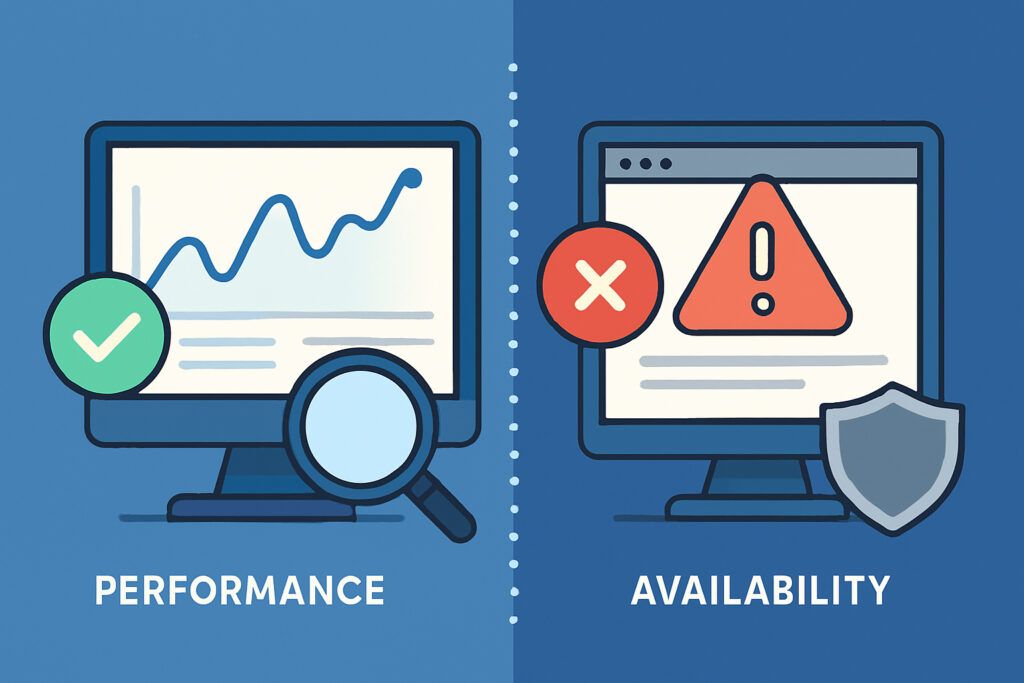
If you run a website or online service, you’ve probably heard terms like “uptime monitoring” and “performance monitoring” thrown around. At first glance, they might sound like the same thing—after all, isn’t a slow website kind of like a broken one? But in reality, these two types of monitoring serve different purposes, and understanding the distinction can save you from some serious headaches down the road.
What is Availability Monitoring?
Availability monitoring is all about answering one simple question: Is my website up or down? It’s a binary check that tells you whether your site is reachable and responding to requests. Think of it as a digital pulse check—either your site has a heartbeat or it doesn’t.
Most availability monitoring tools, including UptimeVigil, work by sending automated requests to your website at regular intervals—often every minute or so. If the site responds with a successful status code (typically a 200 OK), everything’s fine. If it times out or returns an error code like 404 or 500, you get an alert.
This type of monitoring is crucial because even a few minutes of downtime can mean lost revenue, frustrated customers, and damage to your reputation. I learned this the hard way a few years back when a server issue knocked out one of my client sites during their busiest shopping period. We didn’t catch it for nearly 20 minutes because I was relying on manual checks instead of automated monitoring. Those 20 minutes cost them thousands in lost sales.
What is Performance Monitoring?
Performance monitoring goes several steps further. Instead of just checking whether your site is alive, it measures how well it’s performing. This includes metrics like:
– Response time (how long it takes for your server to respond)
– Page load speed
– Database query times
– Server resource usage (CPU, memory, disk I/O)
– API endpoint performance
Your site might be technically “up” but still performing terribly. Maybe your database is struggling under load, causing pages to take 10 seconds to load instead of the usual 2 seconds. Or perhaps a poorly optimized image is dragging down your homepage. Availability monitoring would say everything’s fine, but your users would be having a miserable experience.
Why You Can’t Rely on Just One
Here’s the thing: a website can be available but perform poorly, or it can perform well most of the time but suffer from frequent outages. You need both types of monitoring to get a complete picture of your site’s health.
Think of it like monitoring a car. Availability monitoring tells you if the engine starts. Performance monitoring tells you if it’s running smoothly, burning fuel efficiently, and not overheating. You wouldn’t drive a car that barely sputters along just because it technically starts, would you?
I saw this play out recently with an e-commerce site I was consulting for. Their availability monitoring showed 99.9% uptime—impressive on paper. But when we dug into performance metrics, we discovered that during peak hours, page load times were spiking to 8-12 seconds. Customers were abandoning their carts in droves, not because the site was down, but because it was too slow to use effectively. Their availability stats looked great, but they were hemorrhaging sales.
Common Misconceptions
Myth: If my site loads for me, it’s working for everyone. Not true. Your site might load quickly for you because you’re geographically close to your server or have a fast internet connection. Performance monitoring from multiple locations reveals how your site performs for users around the world.
Myth: 99% uptime is good enough. That sounds impressive until you realize that 99% uptime means your site could be down for more than 7 hours per month. For many businesses, that’s unacceptable. Availability monitoring helps you understand your actual uptime and work toward higher reliability.
Myth: Performance issues will show up as downtime. Not necessarily. A site with terrible performance might still technically be “up” and returning status codes. You need dedicated performance monitoring to catch these issues.
How to Use Both Types of Monitoring Effectively
Start with availability monitoring as your baseline. Services like UptimeVigil make this easy—set it up once, and you’ll get instant alerts whenever your site goes down. Check your site every minute or two, and make sure you’re monitoring from multiple geographic locations.
Then layer in performance monitoring. Set baseline thresholds for acceptable response times based on your site’s normal behavior. For most websites, anything over 3 seconds is considered slow. Configure alerts to notify you when response times exceed your thresholds, even if the site is still technically available.
Don’t forget about SSL certificate monitoring either. An expired SSL certificate will make your site inaccessible to visitors, even though your server is running fine. Good monitoring tools include SSL expiration checks as part of their availability monitoring.
What to Do When You Get Alerts
For availability alerts, your priority is simple: get the site back online as quickly as possible. Check your server status, review error logs, and have a rollback plan ready if a recent deployment caused the issue.
For performance alerts, you’ll need to investigate the root cause. Is your database overloaded? Are you experiencing a traffic spike? Did a recent code change introduce an inefficient query? Performance monitoring tools that include detailed metrics and historical data make troubleshooting much easier.
The Bottom Line
Availability monitoring tells you if your site is accessible. Performance monitoring tells you if it’s usable. Both are essential for maintaining a healthy website that keeps users happy and your business running smoothly. Don’t make the mistake of thinking that “up” automatically means “working well”—because in today’s fast-paced digital world, slow is often worse than down.
Start with solid availability monitoring to ensure you catch outages immediately, then add performance monitoring to maintain speed and responsiveness. Your users might not consciously notice when everything works perfectly, but they’ll definitely notice—and remember—when it doesn’t.