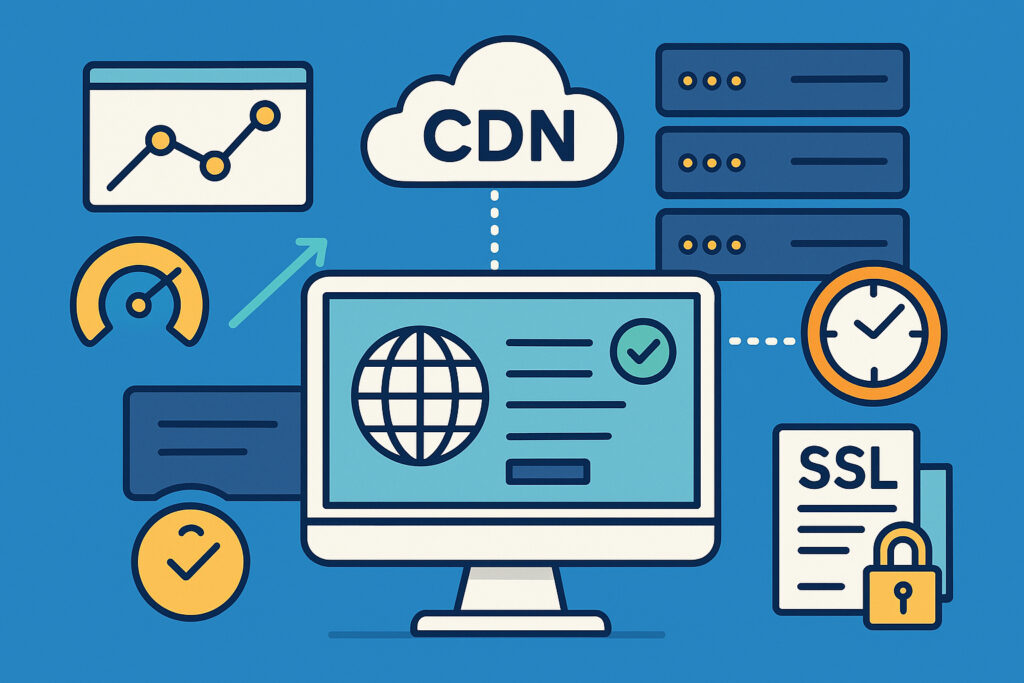
If you’ve ever experienced your website slowing to a crawl during peak traffic or watched helplessly as visitors from other continents complained about loading times, you already know why Content Delivery Networks matter. A CDN isn’t just a nice-to-have feature anymore – it’s become essential infrastructure for anyone serious about keeping their website fast, accessible, and reliable around the clock.
What Exactly Does a CDN Do?
A Content Delivery Network is essentially a geographically distributed network of servers that cache and deliver your website’s content from locations closer to your visitors. Instead of every user connecting to your origin server in, say, Finland, visitors from Australia get served from a server in Sydney, while American users connect to servers in New York or Los Angeles.
The magic happens through strategic caching. When someone requests your website, the CDN checks if it has a recent copy of your files stored on a nearby server. If yes, it delivers that content immediately. If not, it fetches it from your origin server once, then keeps a copy for future visitors. This dramatically reduces the distance data needs to travel and the load on your primary server.
How CDNs Improve Uptime
Here’s where CDNs become genuinely valuable for reliability. Your origin server is a single point of failure – if it goes down, your entire website disappears. But with a CDN, you’ve got dozens or even hundreds of servers holding copies of your content.
I learned this lesson the hard way a few years back when running a monitoring service. During a particularly nasty DDoS attack, our origin server was completely overwhelmed. But because we had implemented a CDN months earlier, most visitors never noticed. The CDN continued serving cached content while our server struggled behind the scenes. That incident convinced me that CDNs aren’t just about speed – they’re insurance against disasters.
Load distribution is another critical factor. CDNs automatically spread incoming traffic across multiple servers, preventing any single machine from becoming overwhelmed. When you experience sudden traffic spikes – maybe your site got mentioned on social media or hit the front page of a news site – the CDN absorbs that surge without breaking a sweat.
The Performance Impact You’ll Actually Notice
The speed improvements from a CDN are measurable and significant. Geographic distance matters more than most people realize. Light can only travel so fast through fiber optic cables, and data packets need to hop through multiple routers along the way. A user in Tokyo connecting to a server in Helsinki might face 300-400ms of latency just from physics. With a CDN, that same user connects to a server in Japan with maybe 20-30ms latency.
Time to First Byte (TTFB) typically drops by 50-80% for distant visitors after implementing a CDN. This means users see your content loading faster, which directly impacts bounce rates. Google’s research shows that a one-second delay in page load time can reduce conversions by 7%. That’s real money leaving your business because of slow servers.
Static content like images, CSS files, and JavaScript libraries benefit most dramatically. These files rarely change, making them perfect for aggressive caching. I’ve seen image-heavy websites go from 8-second load times to under 2 seconds simply by offloading images to a CDN.
Breaking Common CDN Myths
Many website owners hesitate to implement CDNs because of misconceptions. Let’s clear those up.
Myth: CDNs are only for huge websites. Wrong. Even small blogs benefit from CDNs, especially if visitors come from multiple countries. The cost has dropped dramatically – many CDNs offer generous free tiers that work perfectly for small to medium sites.
Myth: CDNs complicate your setup. Modern CDNs integrate seamlessly with most platforms. With WordPress, for example, you can have a CDN running in fifteen minutes using plugins. The technical complexity that scared people away a decade ago is largely gone.
Myth: Cached content means visitors see outdated information. CDNs offer sophisticated cache control. You can set different cache durations for different content types, purge specific files instantly when you update them, and configure rules to never cache certain dynamic content.
Choosing the Right CDN Strategy
Not all CDN implementations are equal. For maximum uptime benefits, look for providers with extensive geographic coverage. More server locations mean better redundancy and shorter distances to users.
Consider your actual user base. If 90% of your traffic comes from Europe, you don’t need the same global coverage as a site serving customers worldwide. Some regional CDNs offer excellent performance at lower costs than global giants.
SSL/TLS support is non-negotiable in 2024. Your CDN must handle HTTPS properly, which means SSL certificate management and secure connections between the CDN and your origin server. Many CDNs now include free SSL certificates, removing another barrier to implementation.
Monitoring CDN Performance
Implementing a CDN isn’t “set it and forget it.” You need to verify it’s actually working and providing the benefits you expected. Check your cache hit ratios – this tells you what percentage of requests the CDN handles without touching your origin server. Good ratios are typically above 80% for static content.
Monitor response times from different geographic locations. Tools exist that test your site speed from dozens of countries simultaneously. If you’re still seeing slow loads from specific regions, your CDN might not have servers there, or your caching rules need adjustment.
Watch your origin server load. After CDN implementation, you should see significantly reduced bandwidth usage and fewer requests hitting your server directly. If you don’t, something’s misconfigured.
Frequently Asked Questions
Does a CDN replace website monitoring? No. You still need uptime monitoring because CDNs can experience their own issues, and they don’t help if your origin server completely fails to respond. The CDN works with your monitoring service, not instead of it.
Will a CDN fix my slow WordPress admin panel? No. CDNs only help with front-end, public-facing content. Your admin dashboard still connects directly to your origin server. Slow admin areas need different solutions like server upgrades or caching plugins.
Can I use multiple CDNs simultaneously? Yes, actually. Some advanced setups use different CDNs for different content types or as failovers for each other. This adds complexity but maximizes reliability.
The bottom line is simple: CDNs have evolved from luxury to necessity. They provide measurable improvements in both speed and reliability while protecting your origin server from traffic spikes and attacks. For anyone running a website that matters to their business, a CDN isn’t an expense – it’s fundamental infrastructure that pays for itself through better performance and reduced downtime.